Voucher Management
Voucher Management
Voucher Groups
The Voucher Groups section is where you’ll spend most of your time.
This is where you can create voucher groups, view existing vouchers, and manager the voucher currently available for customers.
Getting there
From the navigation menu on the left, click Voucher and click on Voucher Groups
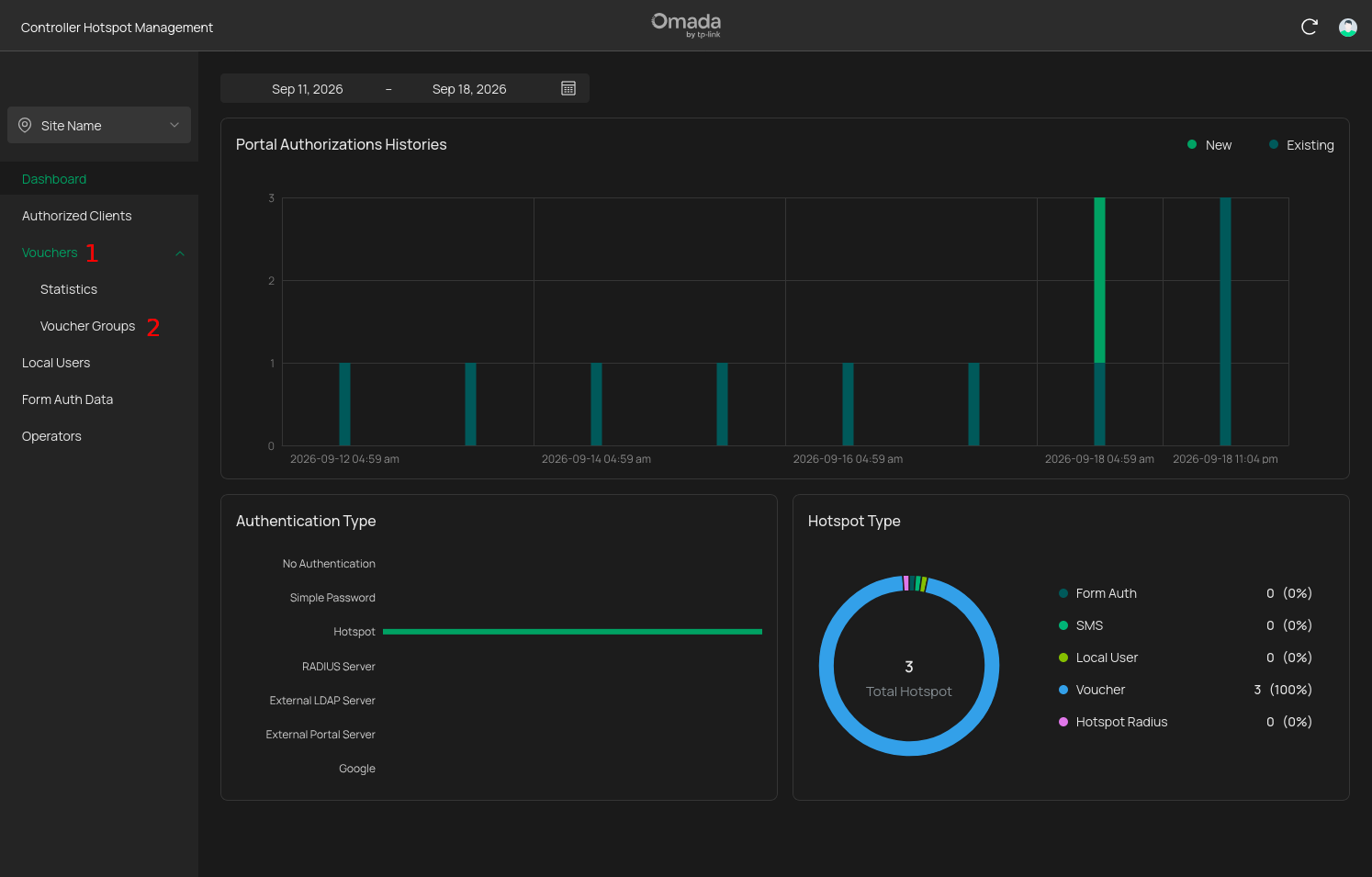
Once you’re in the voucher groups section, you’ll be able to see your existing voucher groups.
What can you do here?
- Create a new voucher group
- View vouchers belonging to a group
- Print vouchers
- Check voucher status
- Remove expired vouchers
- Remove groups that are no longer needed